
Email & document processing
Automatically classify, summarise and extract data from incoming emails, invoices, contracts or CVs straight into your systems.
Built in practice: MailHarborSoftware that performs tasks autonomously: processing emails, analysing documents, answering questions from your own data, and operating your systems, always under your control.
More than a chatbot: a digital co-worker that performs tasks inside your systems.
An AI agent is software that combines a Large Language Model (LLM), such as GPT, Gemini or Claude, with your business systems. Where a chatbot only talks, an agent acts: it reads your mailbox, queries your databases, calls APIs and processes documents.
The agent understands an instruction in plain language, breaks it down into steps and executes them autonomously. Think of an incoming invoice that is automatically recognised, verified against the purchase order and staged in your accounting package, without anyone having to look at it.
Importantly, a well-built agent operates within strict boundaries. You decide what it is allowed to do, which data it can see, and when a human needs to approve. You get the speed of AI with the control of traditional software.
Your business data deserves a protected environment. We configure your AI solution to keep storage and processing within the agreed region, including when you switch models later.
Find agreements, quotes and customer information without endlessly opening folders. Email indexing makes messages and supported attachments from Gmail, Outlook and other mailboxes searchable by both keywords and meaning.
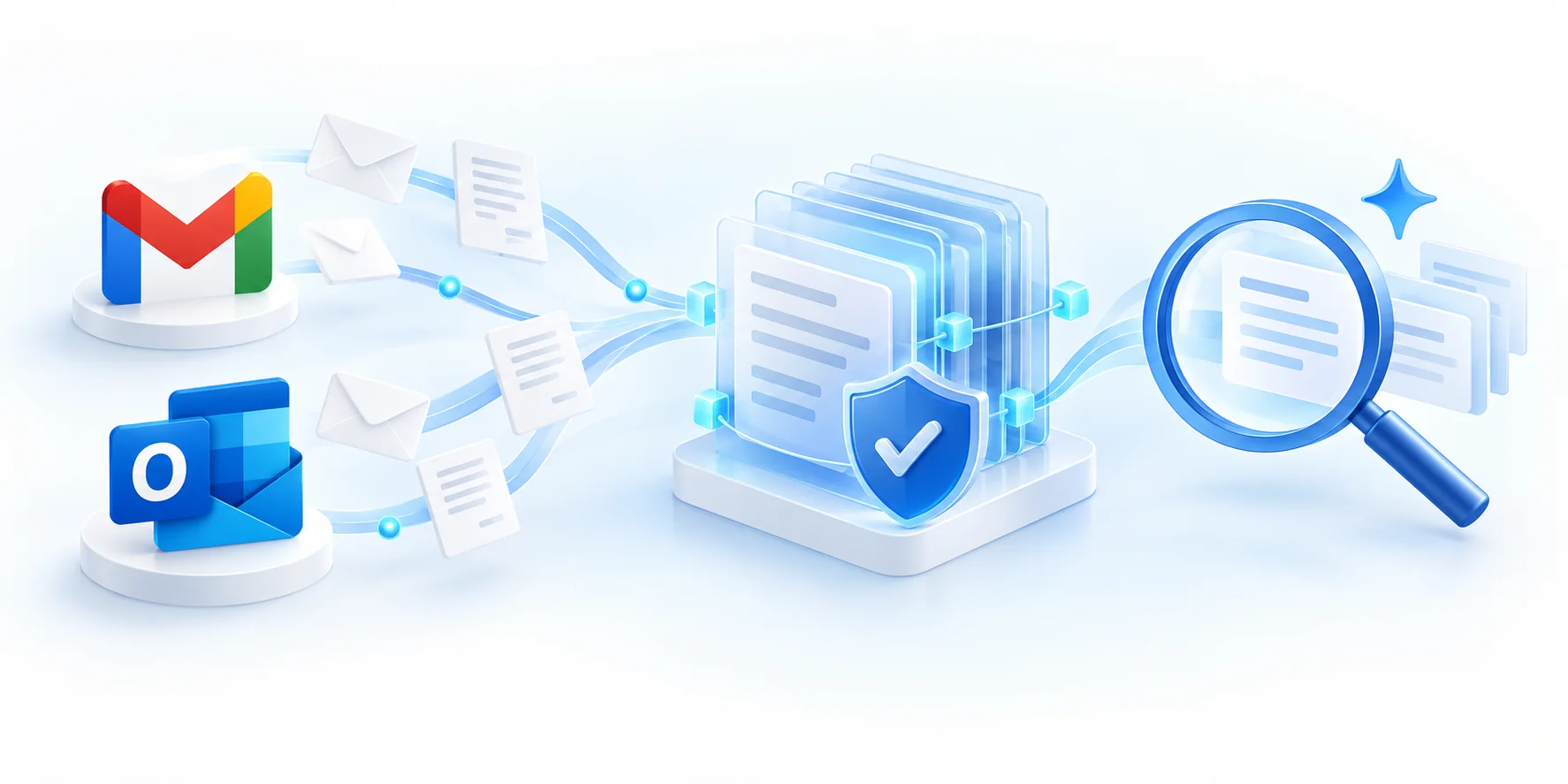
You choose the mailboxes and folders. We connect with limited permissions and agree which messages and attachments can be processed.
We put text, senders, dates and supported attachments into a protected search index. After initial indexing, we synchronise new, changed and deleted messages.
Ask a question in plain language. The search index finds relevant passages; the AI turns them into an answer with references to the original emails. Each user only sees information they have permission to access.
The search index is built in advance, so the AI does not need to read your entire email archive for each question. Targeted searches reduce the work per question; we keep the index current by processing changes.
Only relevant passages reach the model, reducing tokens and computing work. We match the model and search infrastructure to your usage; costs depend on mailbox volume, storage, synchronisation and the number of questions.
A few applications already delivering value for SMEs and service businesses today.
Automatically classify, summarise and extract data from incoming emails, invoices, contracts or CVs straight into your systems.
Built in practice: MailHarborEmployees ask questions in plain language and get reliable answers from your own documents, manuals and databases, with source references.
Explore the approach and limitations of RAGA first line that answers questions 24/7 based on your knowledge base and hands complex cases over to a human colleague.
An agent executes multi-step processes across systems: from quote follow-up to order processing in your ERP or CRM.
Recurring reports and analyses: the agent gathers figures, detects anomalies and summarises them clearly.
Integration with the APIs from OpenAI, Gemini and Claude within your security rules, with logging and access control.
Start small, validate fast, and scale under control.
We map your processes and pick the task where an AI agent delivers value fastest.
Within weeks, a working agent runs on a well-defined task, tested on your real data.
The agent is securely connected to your systems, with access control, logging, and human approval where needed.
We track quality, refine prompts and tools, and expand step by step to new tasks.
No. A chatbot only answers questions. An AI agent performs tasks autonomously: it reads emails, queries databases, calls APIs and processes documents. A chatbot talks; an agent works.
Yes. We protect your business data with encryption, restricted access and clear retention periods. Storage, the search index and AI processing stay within the agreed region, and your data is never used to train shared models.
Almost anything with an API or database: Outlook/Exchange, SharePoint, ERP and CRM systems, accounting packages, ticketing tools and custom software. Legacy systems can be unlocked through an intermediate layer.
It depends on the scope. We usually start with a compact proof of concept so you can validate quickly and affordably whether the agent delivers value, then expand deliberately.
A first working proof of concept is typically up within a few weeks. A production-ready agent with security, monitoring and integrations follows in short iterations.
Discuss, without obligation, which task in your business is the best fit for a first AI agent.